
Become a supporter
I note that on the App it is possible to import a .gpx as a line (no turns option). This is particularly useful to me where formally importing a .gpx made elsewhere may well result in Cycle Travel trying to reroute to suit its own programming requirements. I dont want this.
This import line only facility is particularly useful when then trying to utilise the Apps facility to find POI's along a route, namely accommodation, water and food.
Interrogating the App on a small screen though is a pain in the A.
Is it possible to have the same import line only facility built into the website, where a larger screen and interface would facilitate searching for POI's along a route?
Or is this option already available and I'm missing it?
I appreciate that uploading a .gpx to CycleTravel in "standard" format will result in the screen showing CT's version of the route and a light blue trace of the original track on the map. However particularly if planning off road routes the CT suggested track can be some way off the original.
Many thanks
Neil
Is it possible to plan a route on the android app and then save it to ones phone to allow transfer to a gps device?
Or is it now expected that planning of routes now only really occurs on the website and then one downloads it to phone then to GPS?
It appears that the only time the "save" option appears is once having downloaded a route from ones route folder and then stopped navigation which starts automatically.
When opening a route on the app, from ones route folder, the app automatically goes into "navigation" mode. Is it possible to just have a review mode or "start Navigation" button?
Many thanks
Neal
Re android app and up to date version (new green logo)
Ive noted that following the update to the green logo app that the ypdating of rhe map has become particularly lethargic. Infact at points downright reluctant to update or change between various map options (wayfarer, OS etc). This is regardless of whether I have a poor wifi signal or not. Just tried it sat next to my router and no joy.
Where before I could use the app to quickly plot out a route now its somewhat easier (sometimes) to do it on the website.
Is there a known change to the app/ use philosophy which might cause this mapping reluctancy? I seem to remember seeing a comment in a previous thread about possible times of day that might affect maps due to updates however for me it appears to be anytime.
As an update the only way I seem to get amore reliable app map operability is to force it to close, clear the cache and then start the app again.
Regards
Neal
Apologies if incorrect terminology used.
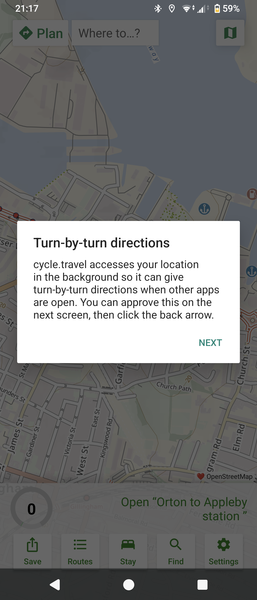
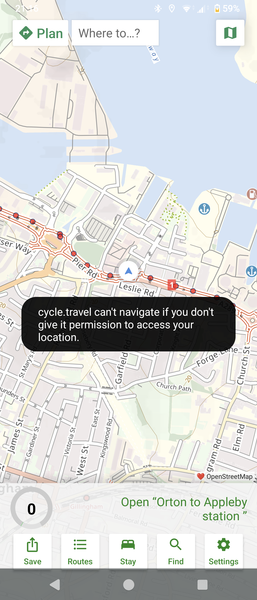
When using latest Android version, if one navigates away from the map to an alternative app page eg,offline maps download or settings even if pressing the back arrow on the secondary page it will return to the main map page but NOT close out the secondary page. One has to sesperately reveal the secondary page and manually close it leaving only 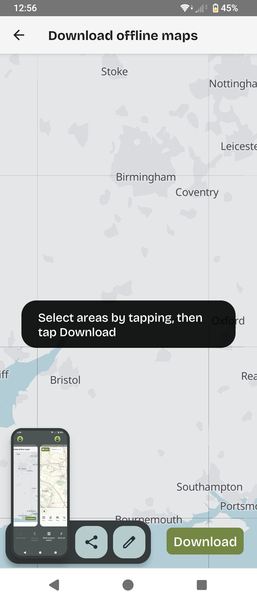
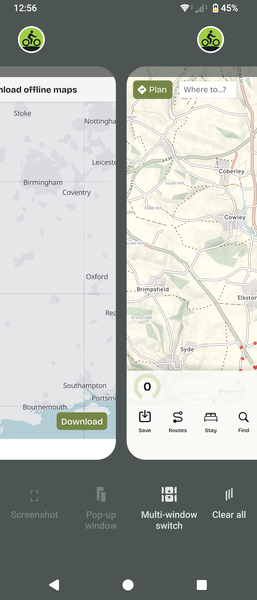
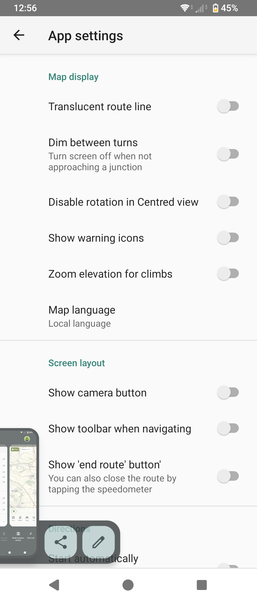
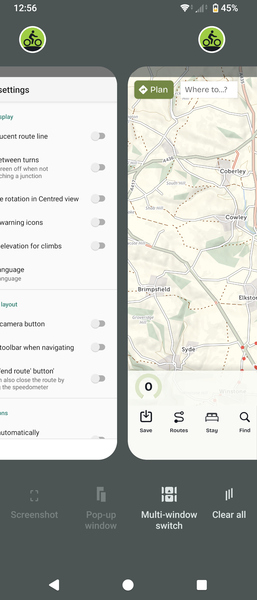 map page open


Made in the Cotswolds. Published by Éditions Système D Ltd.
Log in with your cycle.travel account:
| Password |
Or simply use your account on:
